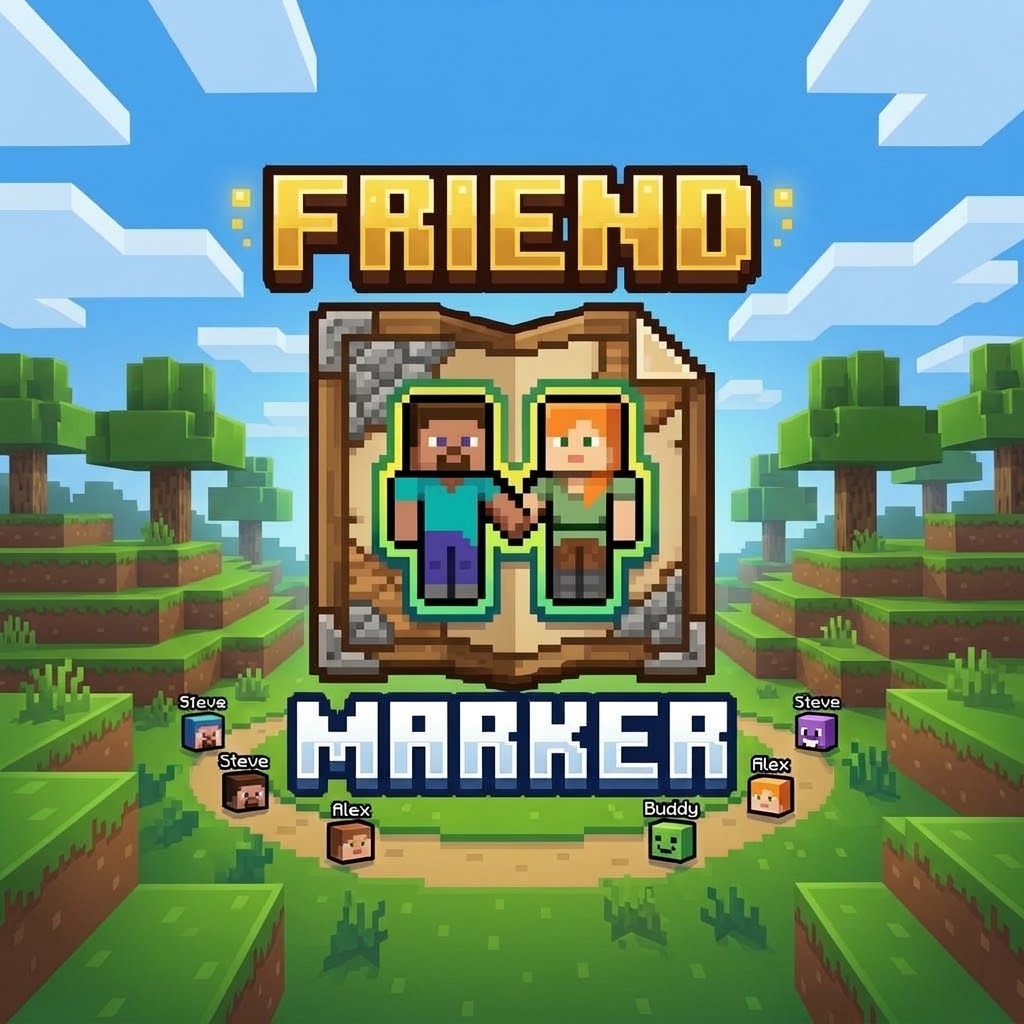
Mark friends and enemies with customizable colored hitboxes in Minecraft PVP.
🎯 Friend Marker
A friend-marking mod for Soup PVP players.
Do you sometimes confuse your friends with enemies while fighting on servers? Friend Marker is made for you! Categorize players and mark them with colored hitboxes to avoid accidentally attacking your teammates.
> ⚠️ This mod is not a cheat. It does not include wall vision (ESP/Wallhack). All visuals only work on players within your direct line of sight.
✨ Features
🖱️ Easy Category Assignment
Look at a player and press the middle mouse button (mouse wheel) — a category selection menu will appear:
| Category | Color | Feature |
| ----------- | --------- | -------------------------------------------- |
| Friend | 🔵 Blue | Attack prevention (prevents accidental hits) |
| Safe | 🟢 Green | Marks trusted players |
| Neutral | 🟠 Orange | Marks neutral players |
| Enemy | 🔴 Red | Red hitbox appears when they are nearby |
📦 Colored Hitbox System
* Each category displays a wireframe box (hitbox) in its own color
* NOT ESP/Wallhack — it is absolutely not visible through walls or blocks
* Enemies are only displayed within the configured distance (8/16/32 blocks)
🛡️ Friend Protection System
* Attack Prevention: Left-click attacks against players in the Friend category are automatically blocked
* Betrayal Protection: If a player in the Friend category kills you, they are automatically moved to the "Safe" category
🍲 Soup Alarm
When all Mushroom Stew in your inventory runs out while playing Soup PVP, 3 short alarm sounds will play — so you never miss the fact that you're out of soup!
⚙️ Fully Customizable Settings
Press the G key to open the settings menu:
* Enable/disable hitbox rendering
* Enable/disable attack prevention
* Enable/disable the soup alarm
* Configure enemy hitbox distance (8 / 16 / 32 blocks)
* Add/remove players by entering their names
* View and manage your entire friend list
📥 Versions
| Minecraft Version | Mod Loader | Status |
| ----------------- | ---------- | ----------- |
| 1.8.9 | Forge | ✅ Supported |
| 1.21+ | Fabric | ✅ Supported |
🎮 How to Use
- Put the
.jarfile into yourmodsfolder
- Launch the game
- Look at a player and press the middle mouse button → choose a category
- Press G to open the settings menu
- You can also add players by entering their names
❓ Frequently Asked Questions
Is this mod a cheat/hack?
No. It does not provide vision through walls (it is not ESP). All visuals use OpenGL depth testing, meaning they only work on players you can directly see. The purpose is simply to help identify your friends during PVP.
Can it be detected server-side?
The mod is completely client-side. It does not send any custom packets to the server.
Where are the settings saved?
They are saved in the .minecraft/config/friendmarker/ folder as friends.json and config.json.
Developer: The1545 — CurseStudio